Page-ID (v 3.0)
- Tanja Schmutzler (Deactivated)
Owned by Tanja Schmutzler (Deactivated)
What is the Macro Used for?
Shows the ID (identity) of the current page or blog post.
Add Macro
Navigate to a position within your page where you like to insert the macro.

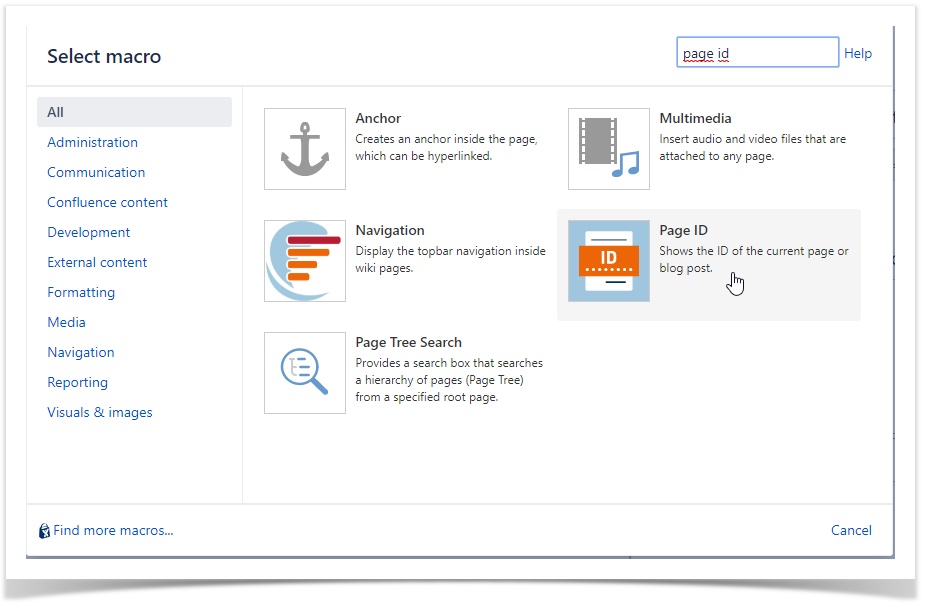
Insert the macro in your page.
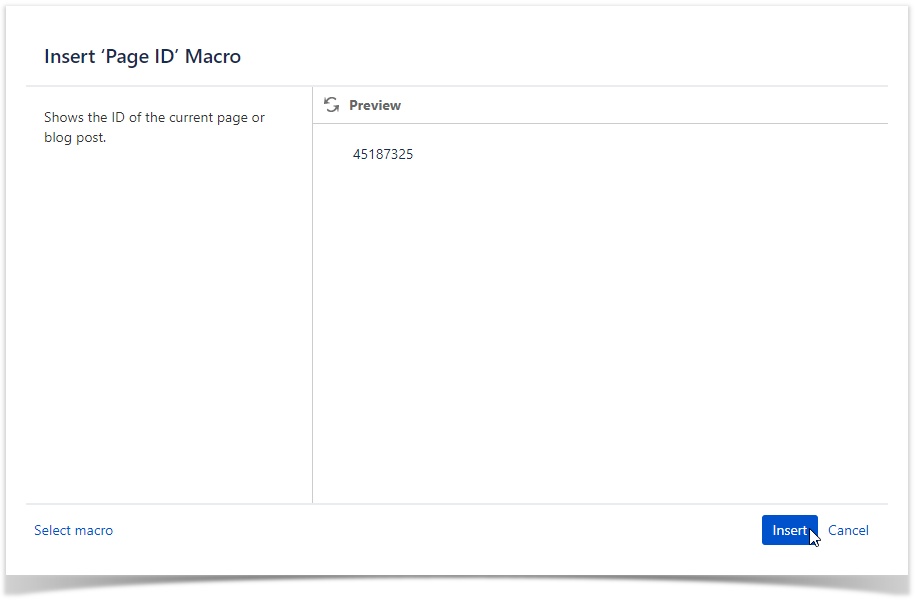
You have successfully added the macro to your page.