No Print (v 3.0)
- Tanja Schmutzler (Deactivated)
What is the Macro Used for?
The macro is used to prevent content inside the macro from being printed or exported (Word or PDF). User information Switch to the edit mode of your page to insert the macro into the page. To do this, simply type "e" or click the "Edit" button.
Add Macro
Navigate to a position within your page where you like to insert the macro.
Click either on the + button in the menu navigation bar and select the macro.

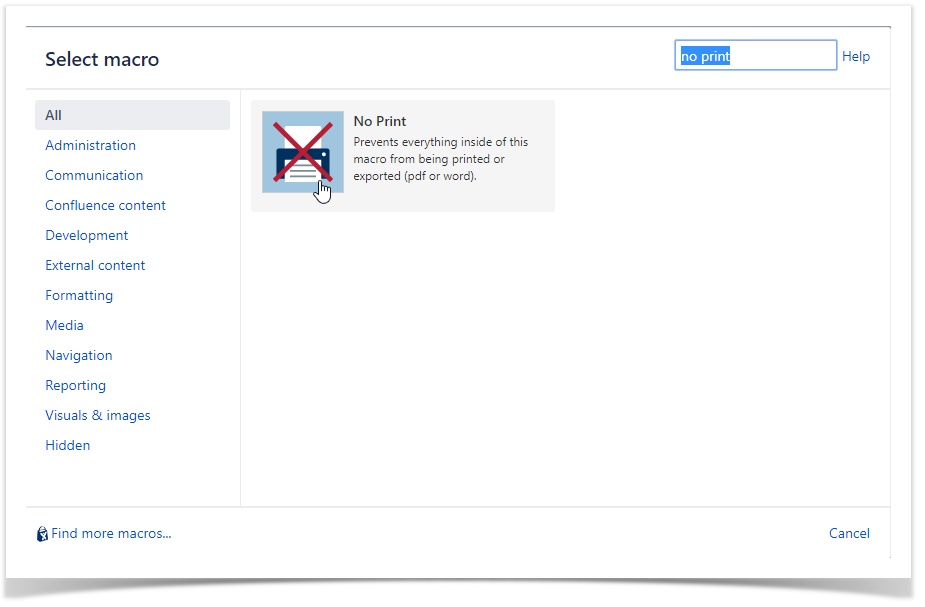
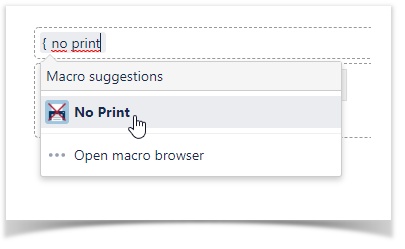
OR add the macro by typing the curly bracket and the name of the macro { no print.
For configuring your macro, click on the macro again and then the "Edit" button.
Independently which way you go, the edit mode is displayed the same.
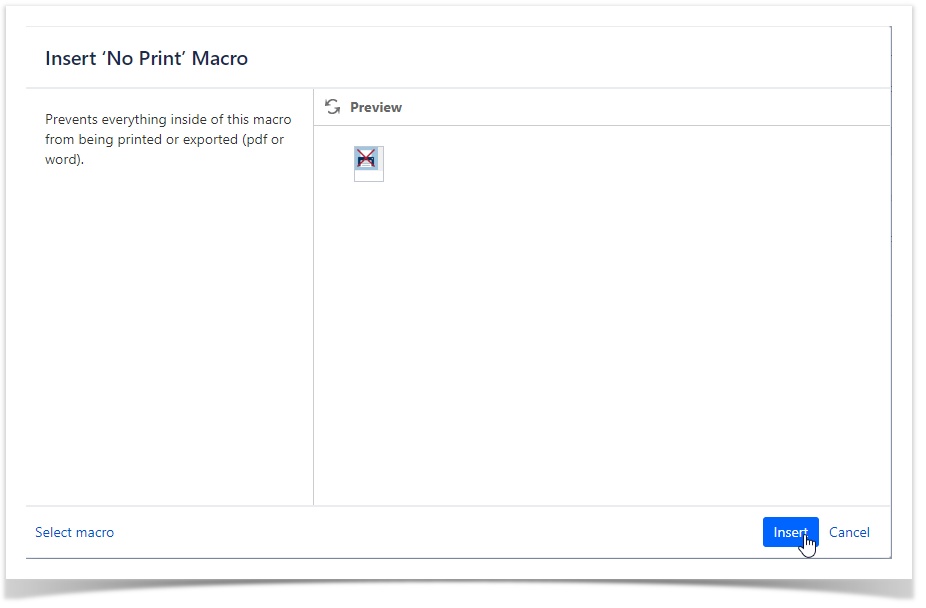
You have successfully added the macro to your page.
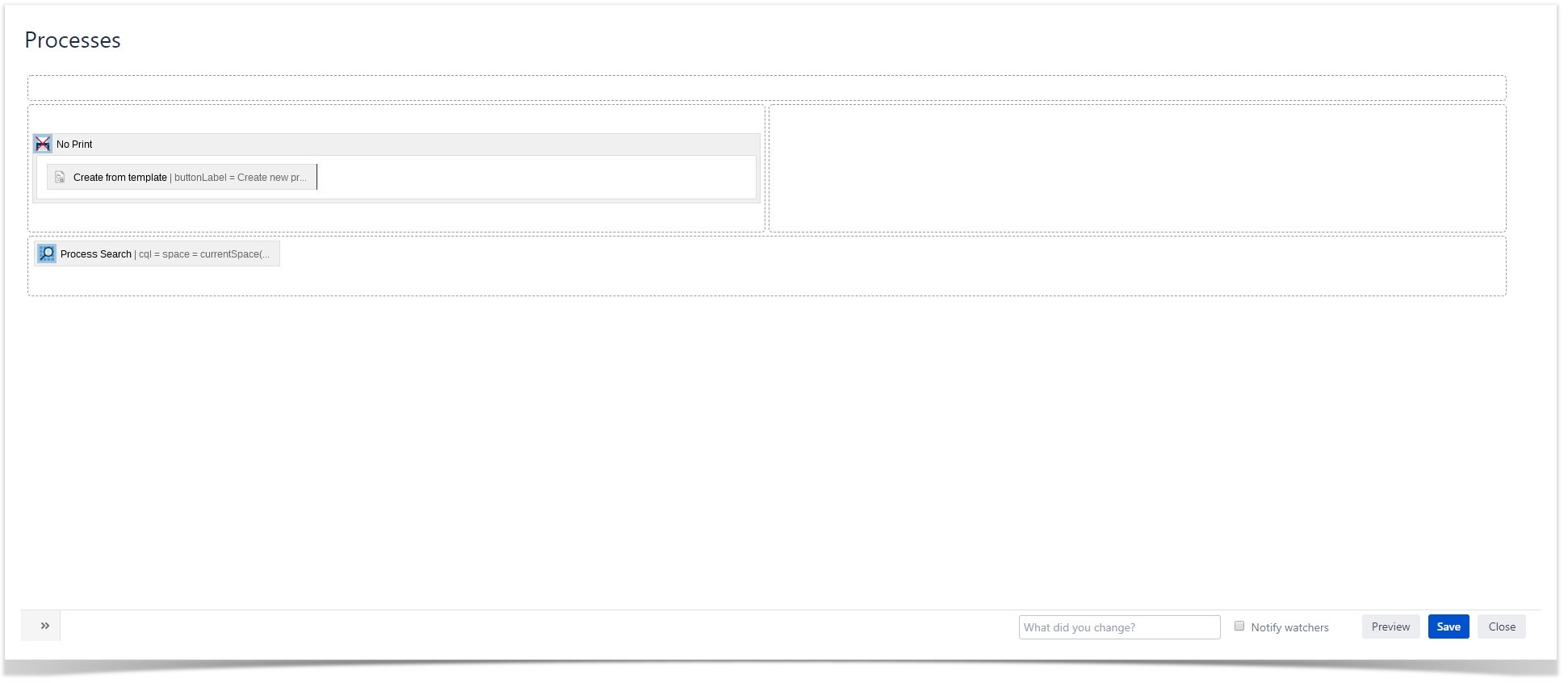
Save the page.
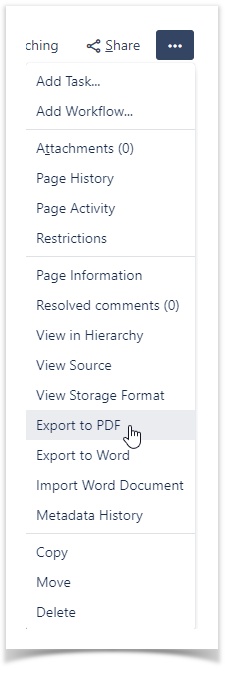
Export the page (e.g. to PDF) and see if your content is not exported within the macro.