/
Work with Comala Document Management (v 3.0)
Work with Comala Document Management (v 3.0)
- Tanja Schmutzler (Deactivated)
- Christina Schantin
Owned by Tanja Schmutzler (Deactivated)
What is the App Used for?
The app is used to add workflows to your Confluence pages.
The Process Management Suite for Confluence app provides additional functions in case you have installed the Comala Document Management app.
- Modify Change History (v 3.0)
- Show Published Attachments (v 3.0)
- Show Release Information on the Wiki Page (v 3.0)
- Example Workflow for Comala Document Management
Additionally there is a macro provided by our app which is only useful in combination with the Comala app > Export Workflow Information (v 3.0).
User information
Take a look into the User Guide of Comala Document Management for more detailed information.
Use Cases
With the use of Comala you as a user can see the following information:
- Current version of a page (e.g. draft, review or published)
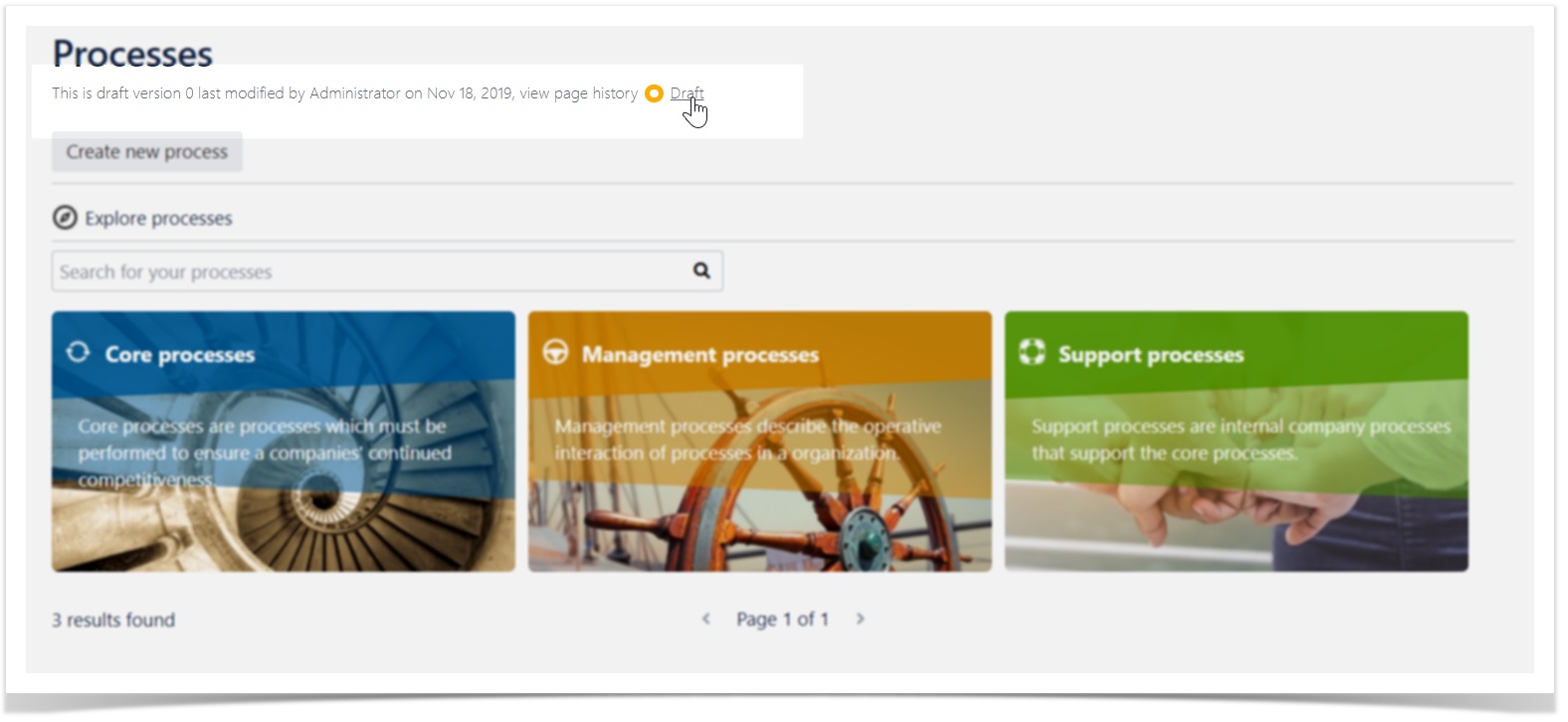
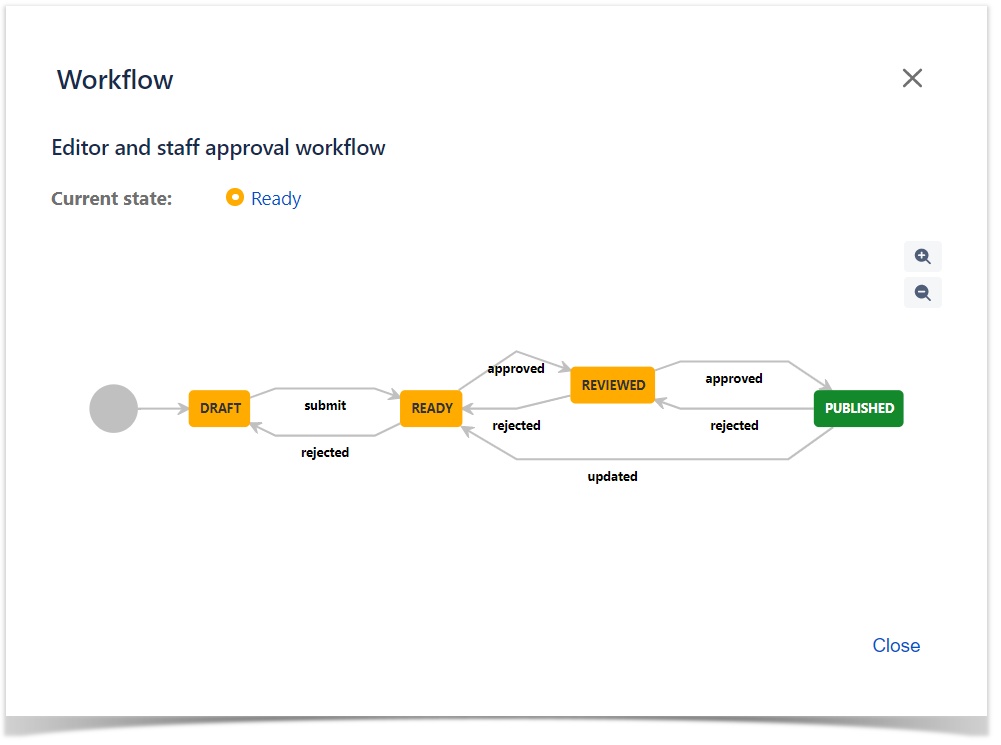
- Current Workflow (e.g. editor and staff approval workflow or use Example Workflow for Comala Document Management)

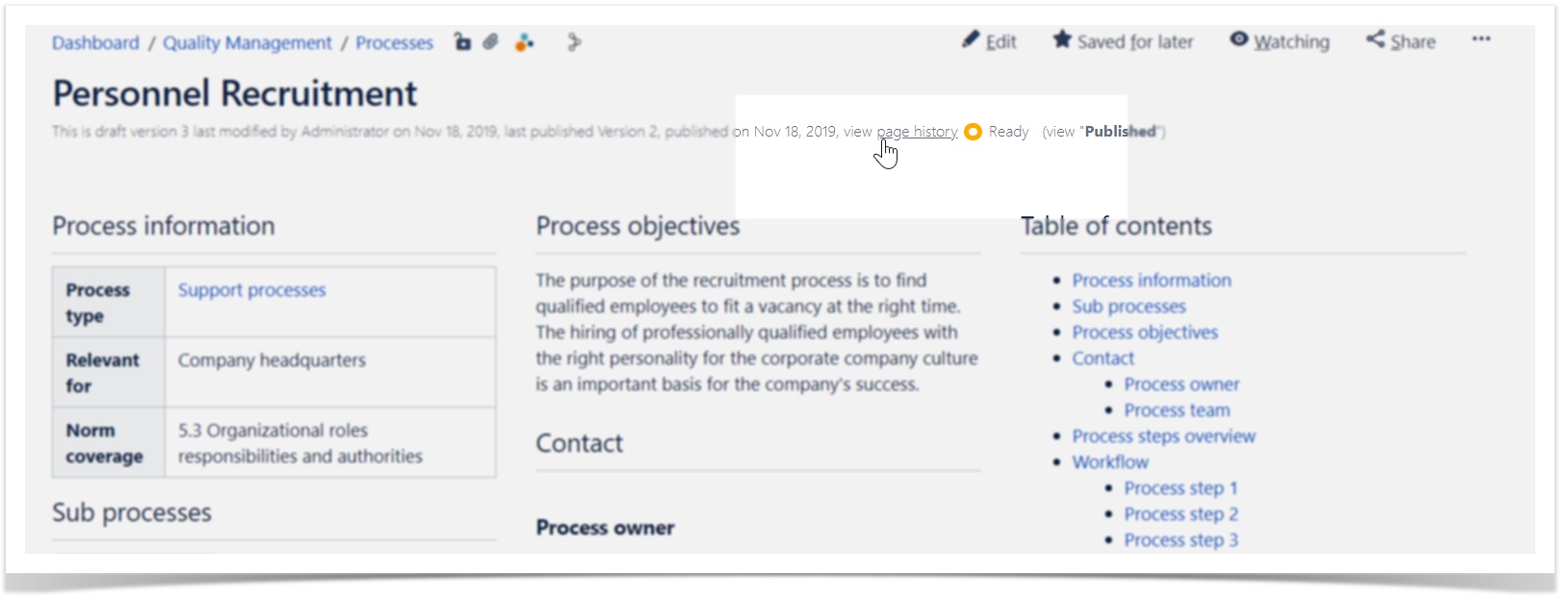
- View page history
- Additional details by whom and when the last draft or published version was modified
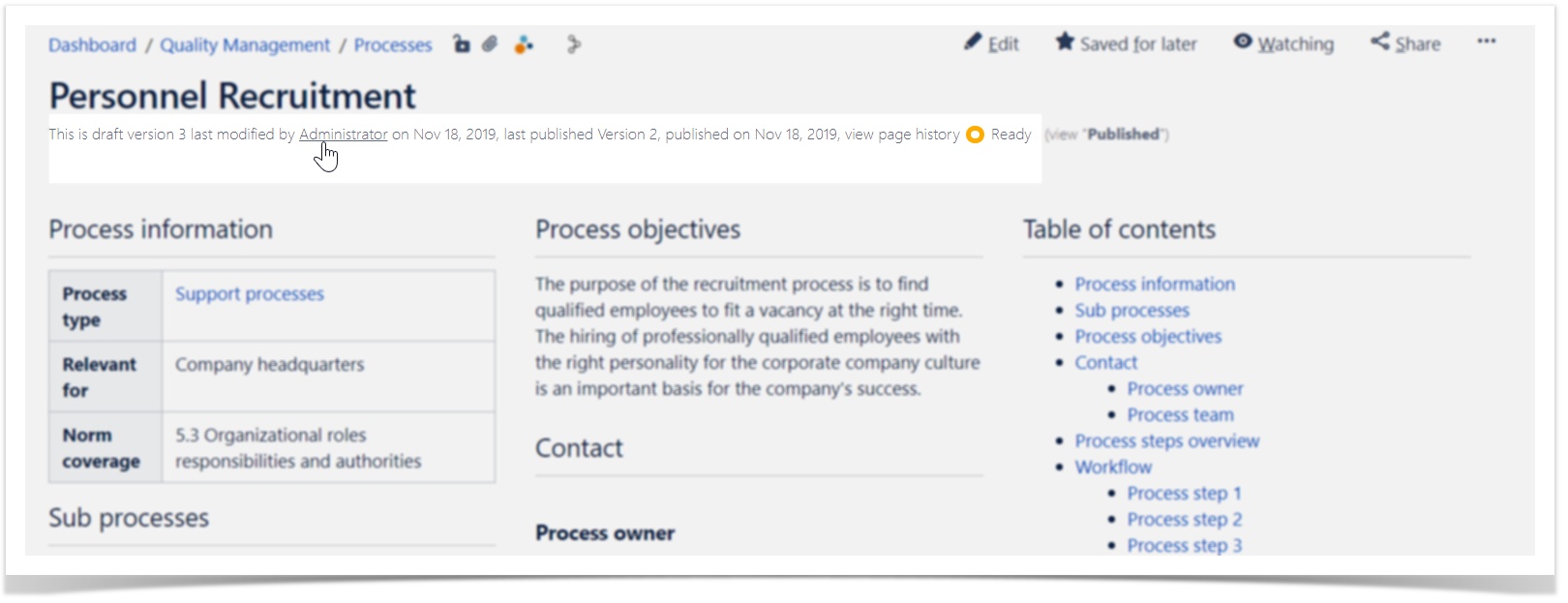
- Other versions are available (e.g. newer draft versions)
- This information is necessary when people are working together in a process team.
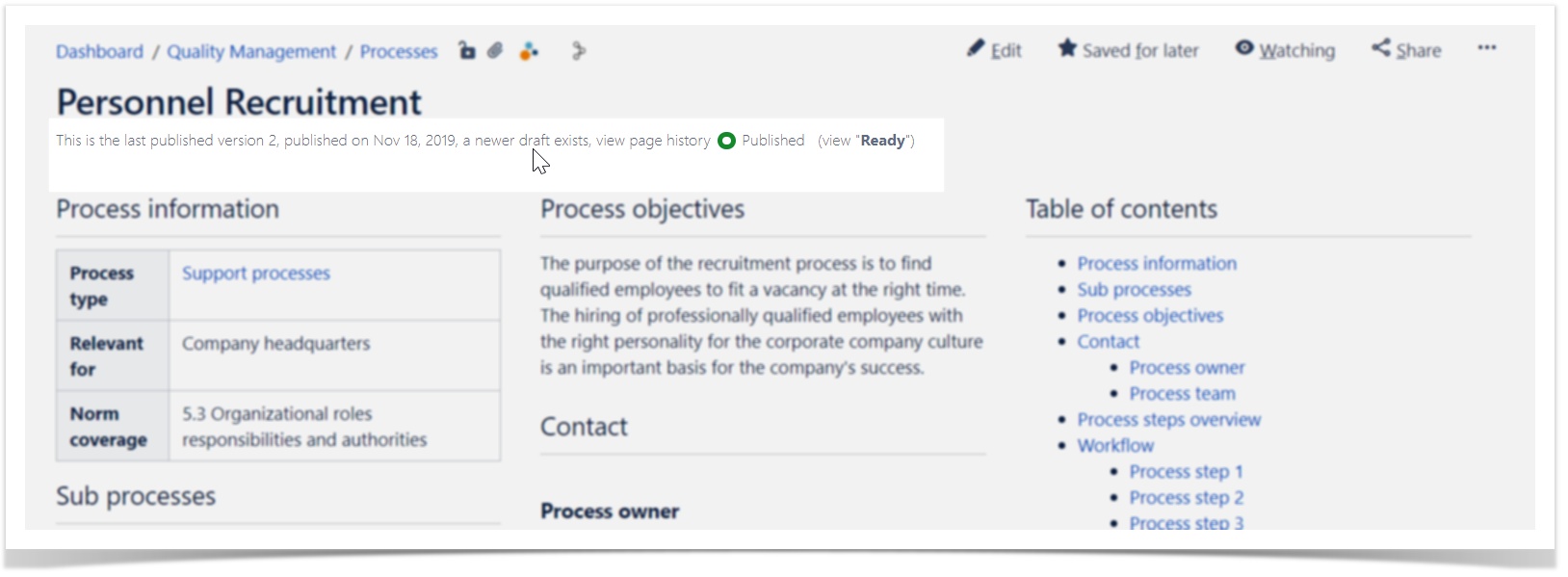
All the information are shown in a concise format.
, multiple selections available,
Related content
How to Get Started
How to Get Started
Read with this
Initialize and Restore (v 3.0)
Initialize and Restore (v 3.0)
Read with this
Comment Aggregation (v 3.0)
Comment Aggregation (v 3.0)
Read with this
Applicable Documents (v 3.0)
Applicable Documents (v 3.0)
Read with this
Process Contact Person (v 3.0)
Process Contact Person (v 3.0)
Read with this
Create Workspaces (v 3.0)
Create Workspaces (v 3.0)
Read with this